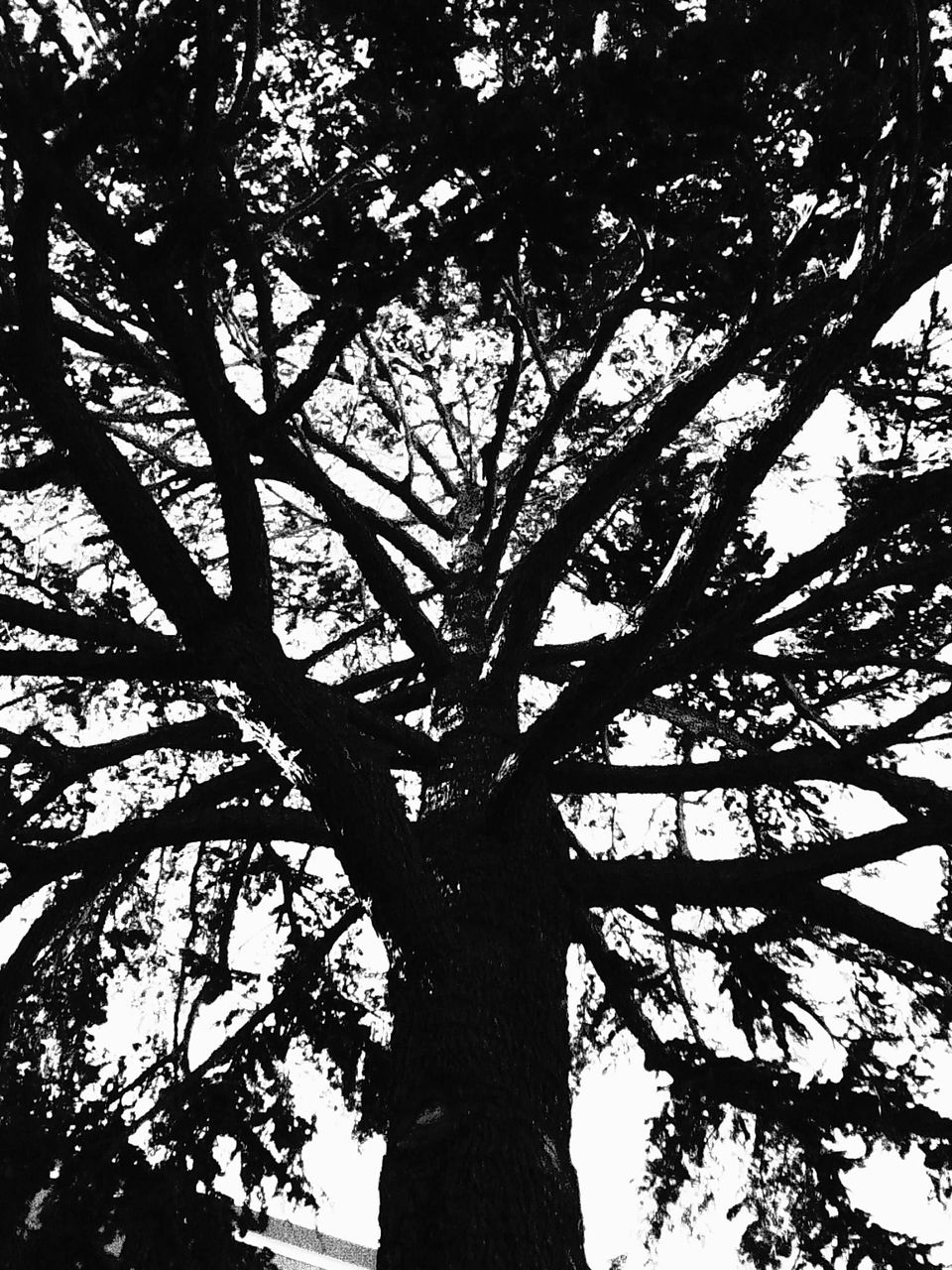
pictures of the day: jul 14
Shitty Camera Challenge: Day 14
Went on my evening walk and tried to turn on the Charmera, but it was dead (not charged). 😒 I only had my phone on me at that point, so I "cheated" by using a Game Boy Camera emulator in the Flashback app from Epilogue. The app actually allows you to connect a Game Boy Camera peripheral to your iPhone via the Epilogue GB Operator module, but if you don't have a hardware GBC, you can emulate it in the app.
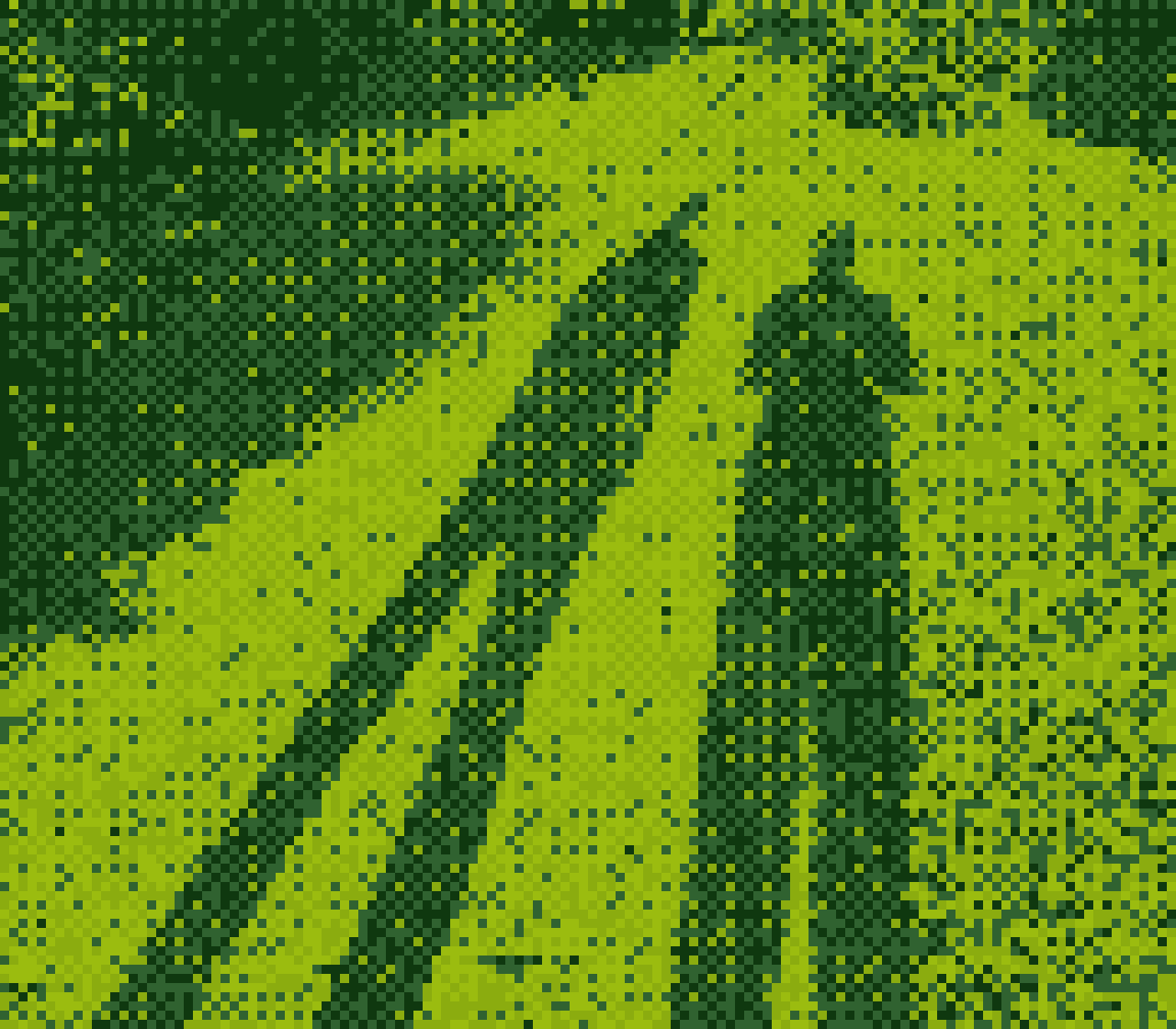


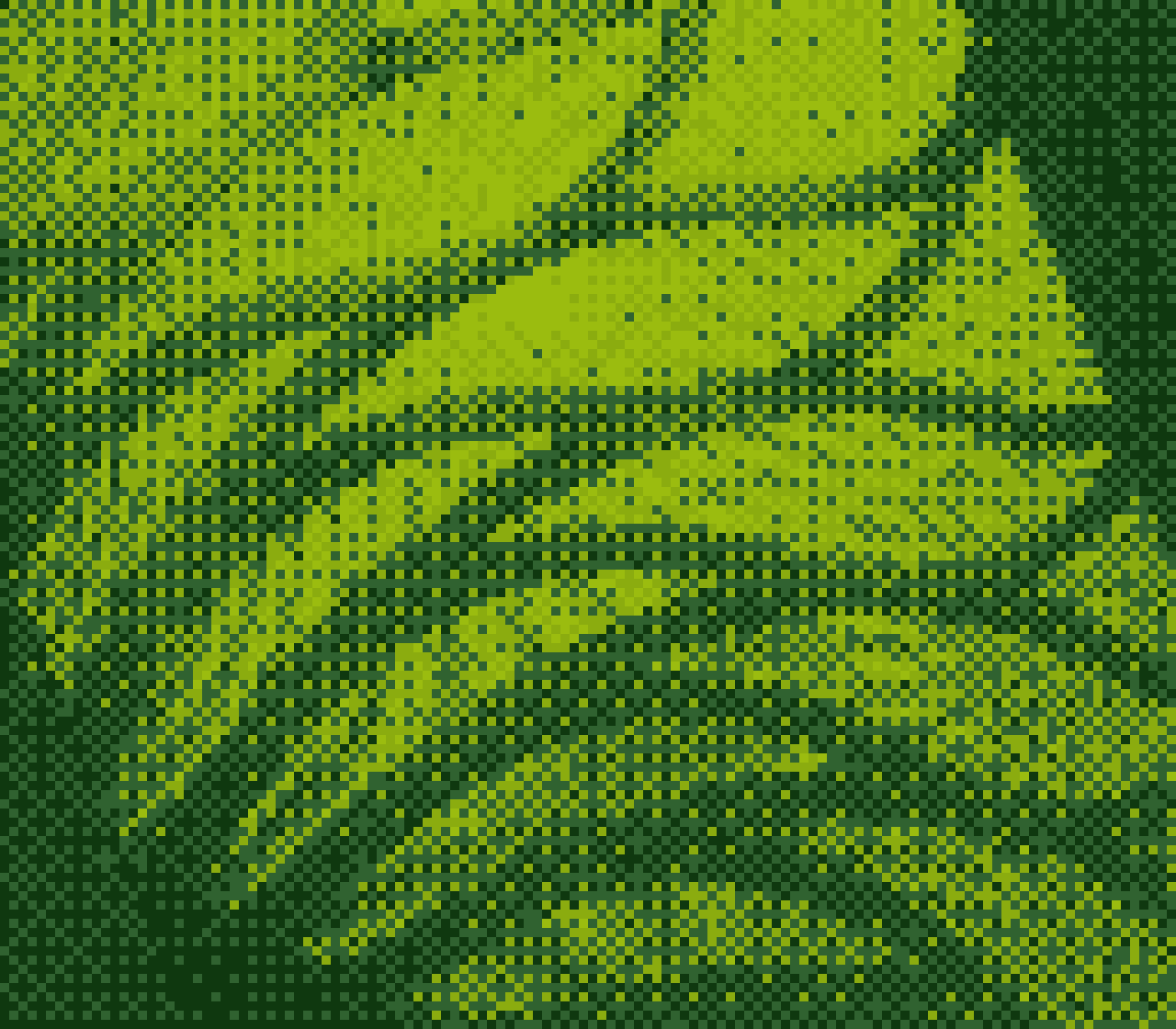
Taken with the Epilogue Flashback iOS app
Because the Game Boy Camera's resolution is extremely low, it's even more challenging to take a recognizable picture, so you have to change your mindset.
The Flashback app has a ton of different options for color, dithering, grain (hmm, why?), and more. I really like the "Plumber" color option (homage to Super Mario):
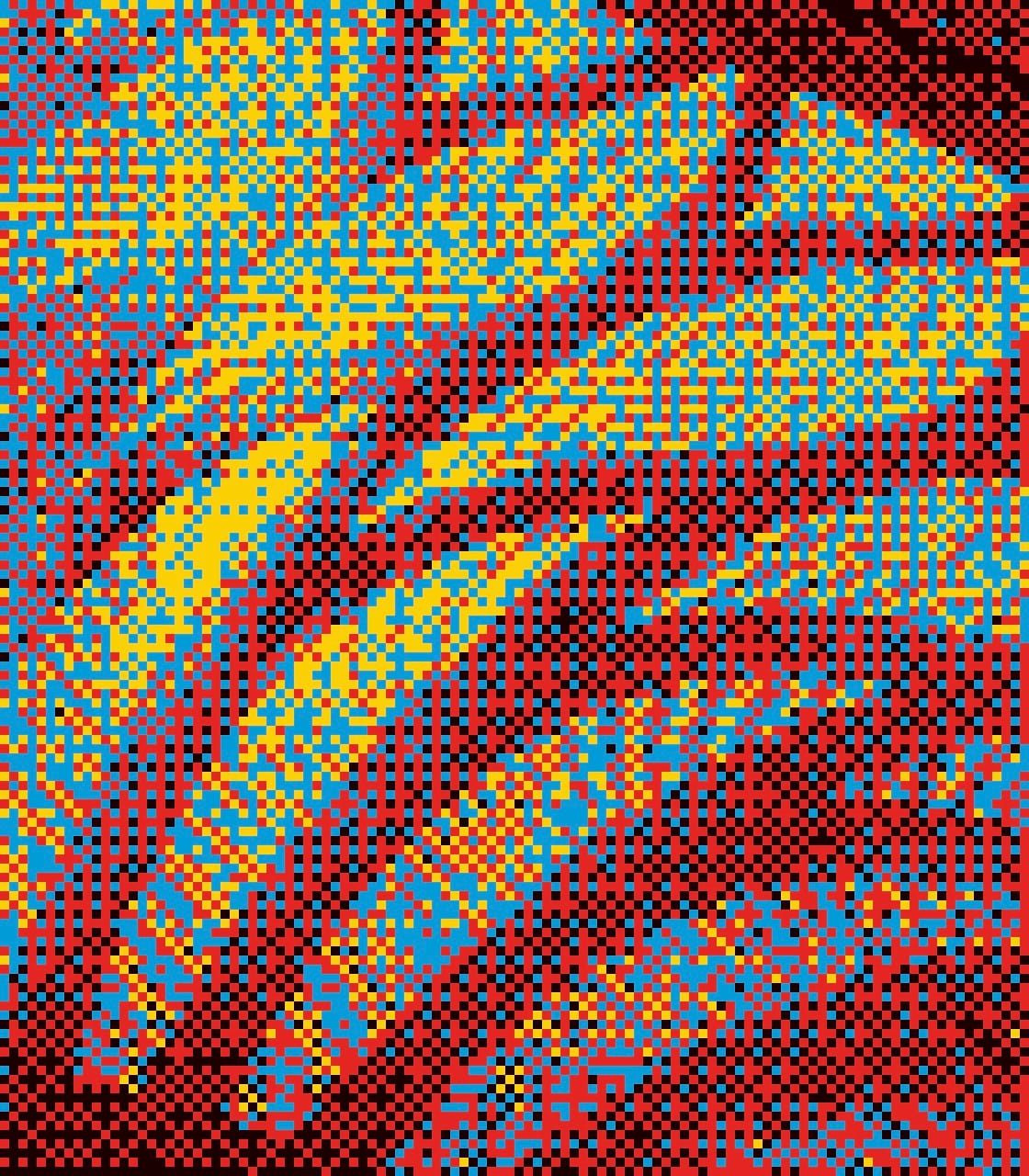
Up close, these pictures are almost just a bunch of random colored pixels, but if you view them either at smaller sizes (like the thumbnails in the gallery above), or from farther away, it's easier to try to make out what the subject is.
There are many other apps that emulate old-school computer graphics or are otherwise down-rezzed, but I think that's probably cheating for the Shitty Camera Challenge, so I will try not to use them anymore to stay in the spirit of the challenge! 😅
Previously: Day 1, Day 2, Day 3, Day 4, Day 5, Day 6, Day 7, Day 8, Day 9, Day 10, Day 11, Day 12, Day 13