
New phone wallpaper thanks to Artemis II
Author's update: I remembered that there is a way to set the iPhone's wallpaper to shuffle among multiple pictures in your library, so I did that to enjoy all the different images NASA provided as mobile wallpapers!
Today I saw some more images from Artemis II and set one of them as my phone wallpaper. Usually I have some icons and folders on my main screen for easy access to selected apps, but I really wanted to see as much of the wallpaper uninterrupted, so I did a bit of homescreen decluttering.
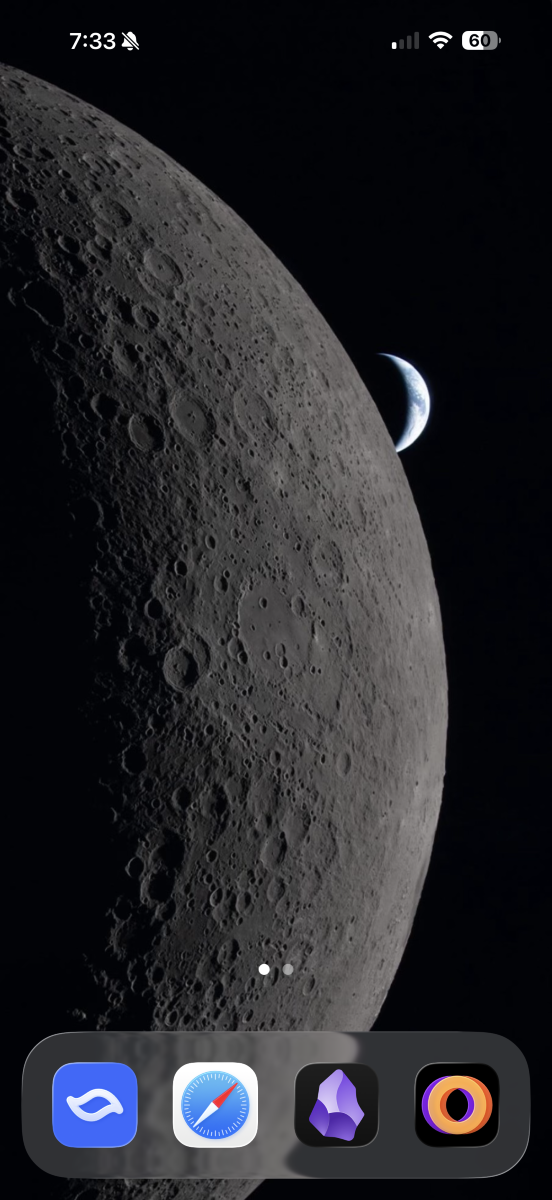
While I try to minimize the icons I have on my homescreen anyway, this is still quite minimal for me. I put my regular homescreen icons and folders on a second screen:
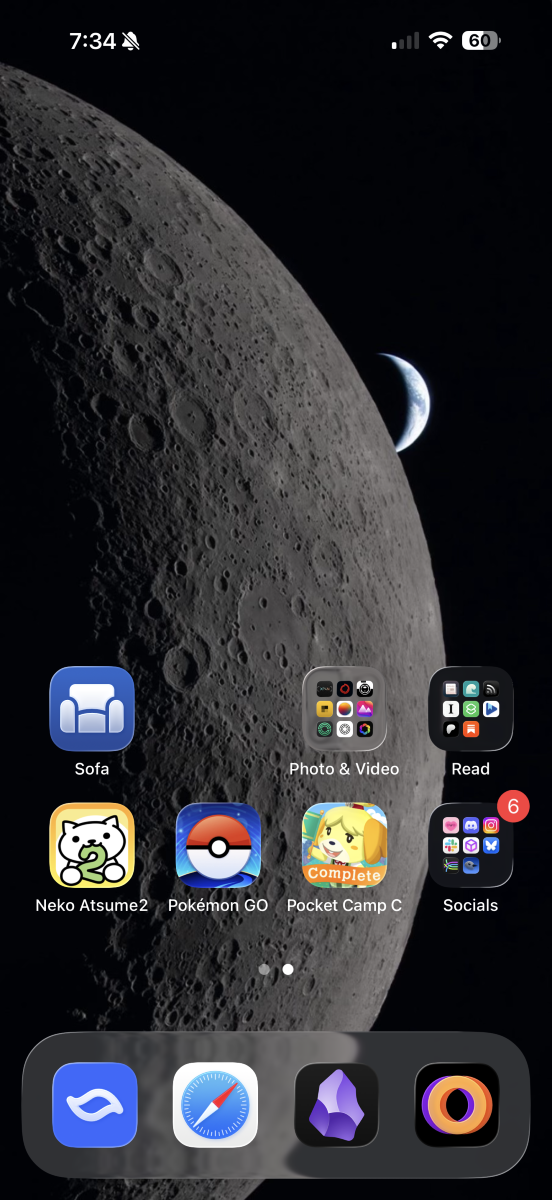
This may make my app usage a bit more cumbersome, having to swipe over to a second screen, but perhaps this might also help lessen my screen time, given the higher friction for app usage? We'll see. In the meantime, I will enjoy my awesome moon wallpaper!
Thanks for reading. If you like what I write and want to support me, you can buy me a coffee...or tea! I'd appreciate it.